If you’re hoping the Ugee UT3 will function as a direct drawing display for your Mac, you might be disappointed. But if you’re looking for a powerful, standalone Android tablet for drawing or a large portable canvas, it truly shines. Think of it as a dedicated digital sketchbook or a secondary reference screen to use alongside your main workstation. In that role, it delivers exceptional value.
The Bottom Line
- Pros:Spacious 14.25-inch drawing area
- High-quality matte surface that feels great to draw on
- Comes with everything you need: stylus, folio stand, glove
- Outstanding value compared to an iPad Pro with similar screen real estate
- Excellent for standalone use—drawing, note-taking, or media consumption
- Cons:Not designed to be a Mac-connected pen display
- Noticeable line jitter when drawing slow, straight lines
- Palm rejection can be inconsistent
- Less portable than smaller tablets
What Is the Ugee UT3?
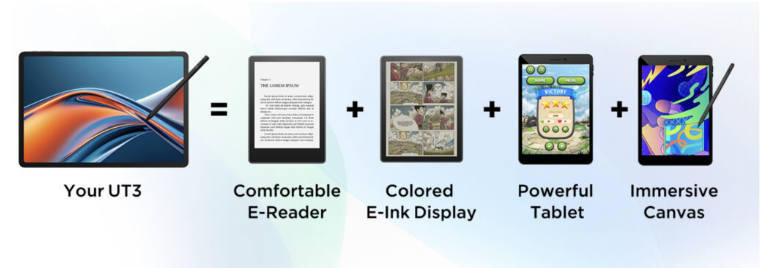
Ugee markets the UT3 as a versatile 3-in-1 device: a drawing tablet, an e-reader, and a standard Android tablet for apps and games. For Mac users seeking a more flexible and affordable alternative to other Android drawing tablets, it presents a compelling, budget-friendly option. You get a screen larger than an iPad Pro for a fraction of the cost, though this jack-of-all-trades approach involves some compromises.
Can You Use It to Draw Directly on Your Mac?
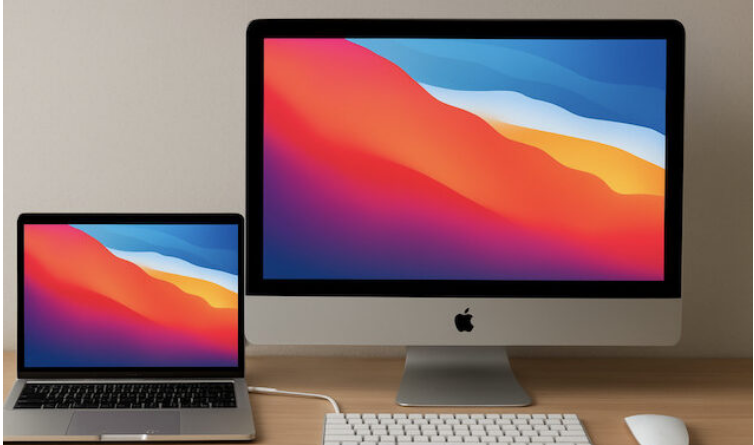
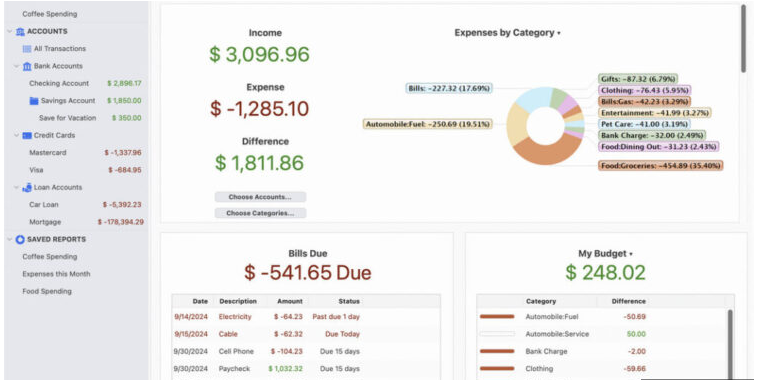
In short, no. This is the most important distinction. The UT3 does not support a “pen display mode” like a Wacom Cintiq. While you can connect it to your Mac via USB-C for file transfers or internet tethering, it will not function as an input device for Mac applications like Photoshop.
First Impressions & What’s in the Box
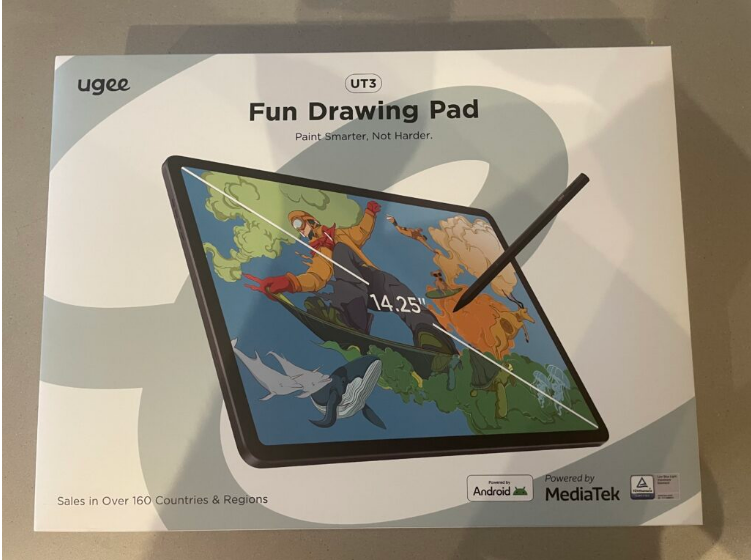
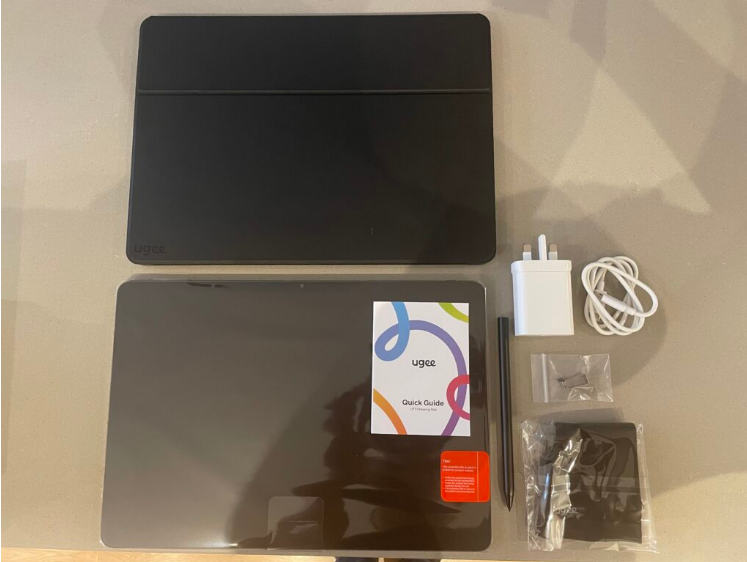
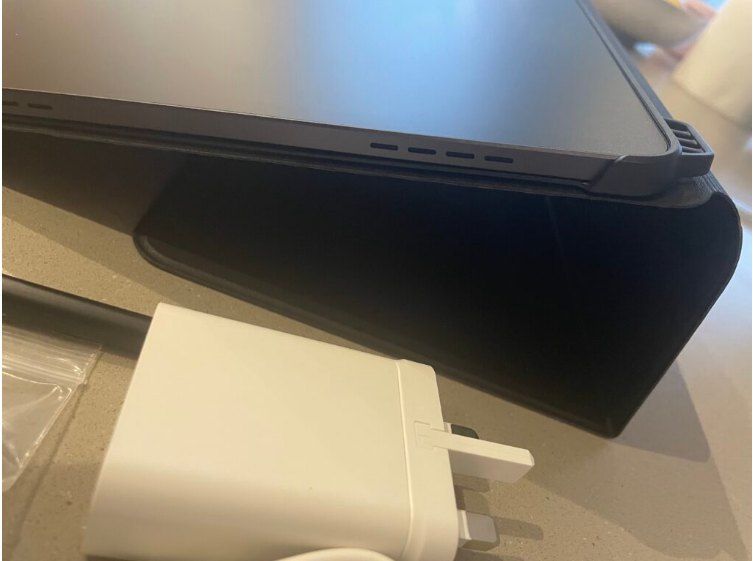
The UT3 arrives in substantial packaging, partly due to a very sturdy protective case. Right out of the box, the tablet makes a strong impression with its large 14.25-inch display and premium-feeling matte “NanoMatte” finish. While its size is a major plus for the drawing canvas, it does require more desk space.The package is comprehensive, including the U-Pencil stylus (pre-calibrated and charged), a folio stand, a drawing glove, a USB-C cable, power adapter, spare nibs, and the necessary documentation.
Build Quality & Key Specifications
Ugee, the parent company of XP-Pen, has been in the industry for 25 years, and the UT3 reflects that experience. As their flagship model, it boasts impressive specs and a solid, premium build that belies its price.
- Display: 14.25″, 2400×1600 resolution (3:2 aspect ratio)
- Surface: Anti-glare “NanoMatte” laminate with a paper-like texture
- Performance: MTK Helio G99 processor, 8GB RAM, 256GB storage
- OS: Android 14
- Stylus: U-Pencil with 4,096 pressure levels and magnetic attachment
- Battery: 10,000 mAh, offering up to 13 hours of drawing
Drawing & Everyday Performance
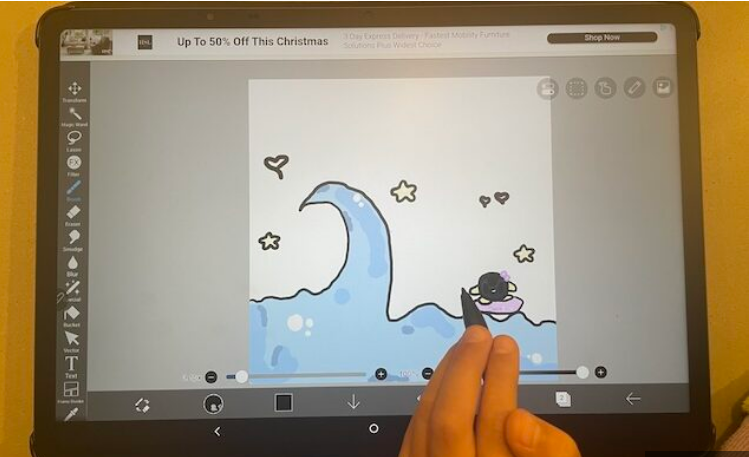
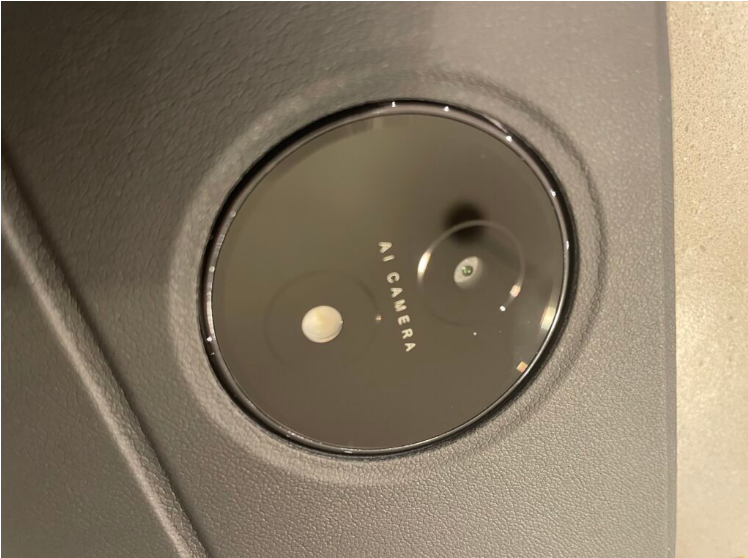
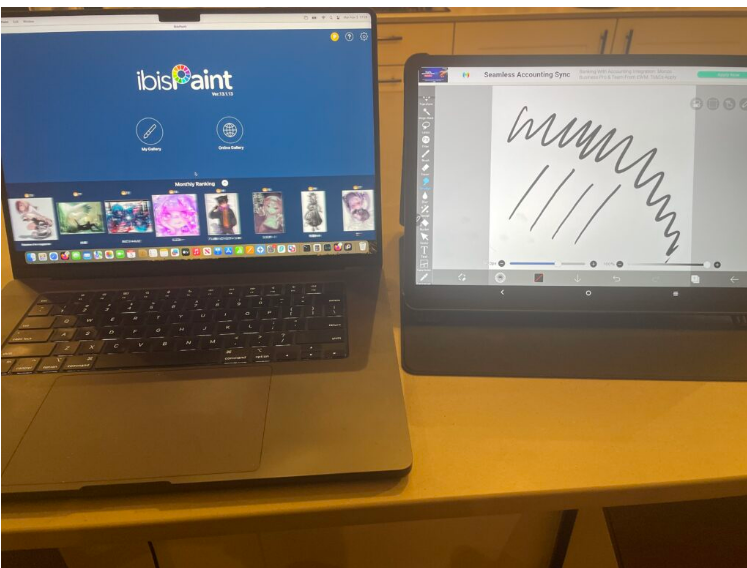
The UT3 feels snappy, launching apps faster than many competing Android tablets. It comes with pre-installed drawing apps like MediBang and ibisPaint, and you can easily download others like Krita from the Google Play Store.For hobbyists and concept artists, the drawing experience is highly capable. The large, high-resolution screen provides ample room for palettes and references, and the matte surface offers a pleasant, traditional feel. The lightweight pen is comfortable for long sessions.
You can switch between color modes: standard, monochrome for reading, and a desaturated color mode.
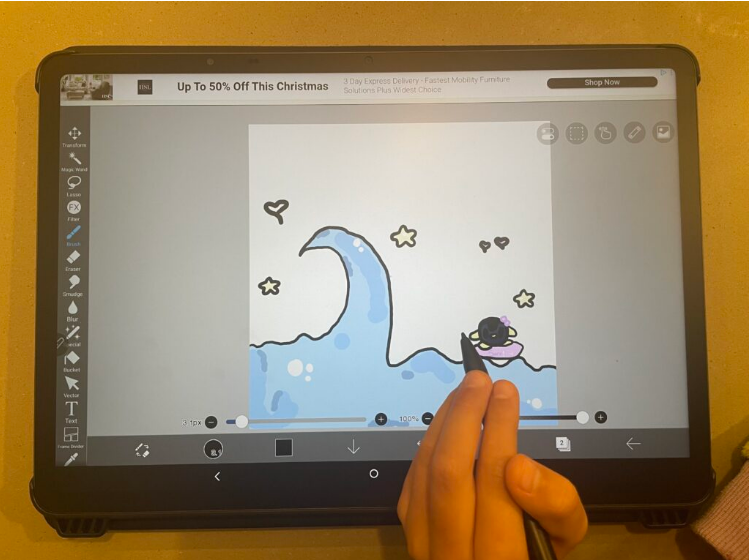
However, it’s not without flaws:
- Line Wobble: Slow, deliberate lines can show jitter.
- Palm Rejection: This can be hit-or-miss, though the included glove helps.
- Latency: While generally minimal, a slight lag is noticeable with fast, flowing strokes.
- Adaptive Brightness: It’s overly sensitive; you’ll likely want to turn this feature off.
In summary, it’s solid for sketching and illustration but less ideal for ultra-precision technical work.
Integration with a Mac Workflow
Since it’s a standalone Android device, your workflow with a Mac will be based on collaboration, not direct connection.
- Primary Workflow: Create your artwork directly on the UT3 using Android apps, then export the files to your Mac via cloud services, AirDrop, or USB for final edits.
- As a Companion Display: Use the UT3 as a large, secondary screen for holding reference images, brushes, or palettes while you draw on your primary Mac-connected tablet.
- Workarounds: Screen-mirroring apps exist but introduce significant latency and lack proper pressure sensitivity, making them poor substitutes for a true pen display.
Verdict
The Ugee UT3 is a fantastic budget drawing tablet for anyone who wants a large, dedicated canvas and doesn’t need to draw directly inside macOS. It packs premium features like a great screen and a paper-like surface at an unbeatable price. Treat it as a powerful sketchbook companion, and you’ll find it offers tremendous value.
How It Stacks Up
| Model | Stylus & Drawing Feel | Mac Compatibility | Approx. Price |
| Ugee UT3 | U-Pencil included; excellent paper-like surface for sketching. | Standalone Android tablet. Best for drawing on-device and exporting to Mac. Not a Mac pen display. | ~$399 |
| Apple iPad Pro | Best-in-class Apple Pencil with superior latency and tilt. | Seamless Apple ecosystem integration with iCloud and AirDrop. The most native companion for a Mac. | ~$1299+ |
| Samsung Galaxy Tab S10 Ultra | Excellent S Pen with great latency. | Standalone Android tablet. Can work as a second screen with third-party apps, but not a native Mac display. | ~$1199 |
| XP-Pen Magic Drawing Pad | Advanced X3 Pro stylus tech. | Some models can function as a direct USB-C pen display for Mac, offering a more hybrid approach. | ~$399 |
About the Author