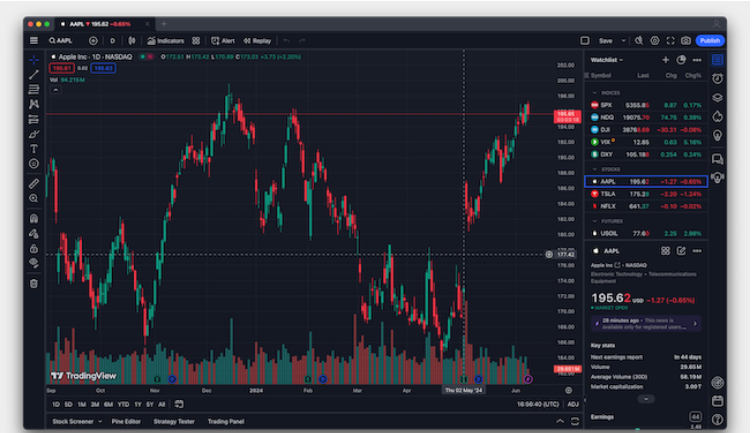
Turning your Mac into a powerful trading hub is easier than you might think. While the selection of native software isn’t as vast as for Windows, the quality of the best available options is exceptional. After extensively testing the latest platforms, screeners, and tools for everything from stocks to crypto, we’ve curated this list to help you find the perfect fit. Our top pick for 2025 is TradingView, praised for its powerful charts and vibrant community.
Our Selection Criteria
We prioritized platforms that deliver a superior experience for Mac users. Here’s what we looked for:
- Native Mac App: A dedicated desktop application for macOS, with bonus points for full compatibility with both Apple Silicon and Intel Macs.
- Chart Trading: The ability to execute trades directly from a chart for speed and efficiency.
- Data Replay: A feature to replay historical market data, which is crucial for backtesting strategies.
- Integrated Stop-Loss Orders: Automatically adding stop-loss and take-profit orders to manage risk and secure gains.
- Execution Speed: Fast, reliable trade execution is non-negotiable to avoid missing opportunities.
- Paper Trading: A simulation feature to practice with virtual money before risking real capital.
- US Availability: All listed platforms are accessible to US-based traders.
- Portfolio Tracking: The ability to sync with personal finance or portfolio tracking software.
With these criteria in mind, here are our top picks for the best trading software for Mac in 2025.
Top Platform Comparison
| Software / Platform | macOS Compatible? | Price (Basic / Free Tier) | Key Notes |
| TradingView | ✅ Web & Native Desktop | Free / Starts at $13.99 per month | Accounts sync across devices, native Mac app |
| MotiveWave | ✅ Native Mac App | Free Community; Paid from $24/month | 14-day trial, advanced technical analysis |
| Interactive Brokers | ✅ Native Mac App & Web | Commission-based; IBKR Lite $0 stock/ETF trades | Professional-grade tools, vast asset selection |
| eToro | ✅ Web-based | Free to open; spreads vary | Strong social and copy trading community |
| TC2000 | ⚠️ Via Virtualization | Starts at $20.82/month (annual) | Windows-native; requires a virtual machine on Mac |
| TrendSpider | ✅ Web-based | Starts at $39/month | AI-powered technical analysis and scanning |
| thinkorswim (Schwab) | ✅ Native Mac App | Commission-free trading; app is free | Powerful desktop experience, great for all levels |
| IG | ✅ Web-based | Commission-free on US/UK shares; spreads apply | Extensive market access, strong for UK traders |
| Robinhood | ✅ Web-based | Commission-free trades; Gold $5/month | Simple, beginner-friendly interface |
| Fidelity | ✅ Web-based | Commission-free for stocks & ETFs | Excellent for research and long-term investing |
In-Depth Platform Reviews
1. TradingView: Best Overall
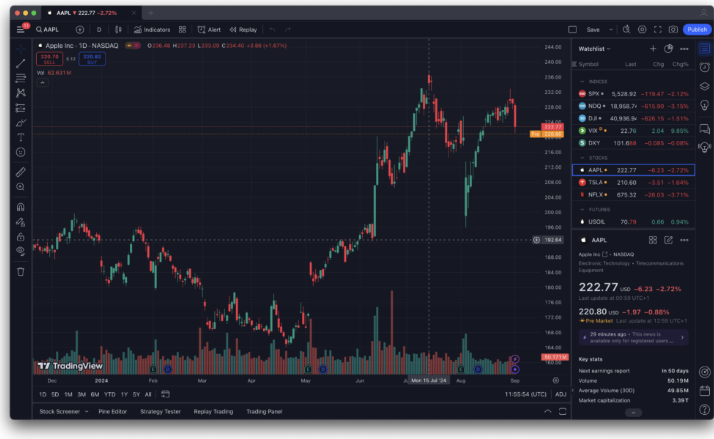
A community-powered charting platform that is equally welcoming to beginners and pros.
- Key Features: Social features to share ideas, intuitive interface, professional-grade charts, native app for all Macs, free plan available, and direct broker integration.
- Pricing: Free plan available; paid plans start at $13.99/month.
2. MotiveWave: Best for Advanced Analysis
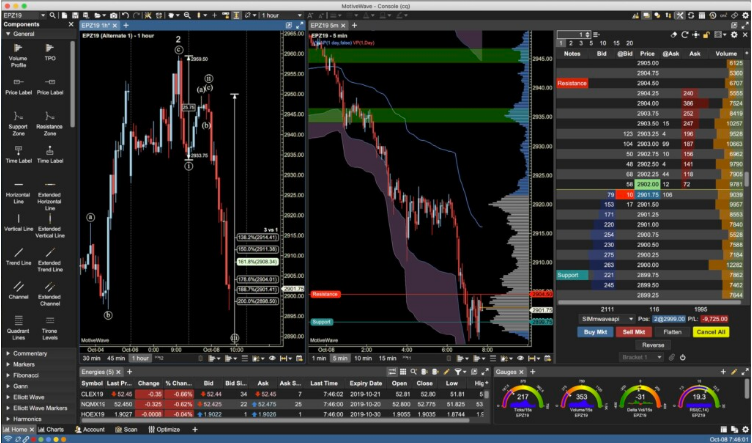
A powerful, native Mac desktop platform built for serious technical analysis and multi-asset trading.
- Key Features: Connects to many brokers, automated pattern recognition (Elliott Wave, Gartley), advanced market data, and a robust replay mode for backtesting.
- Pricing: Free Community Edition; paid plans start at $24/month.
3. Interactive Brokers: Best for Professionals
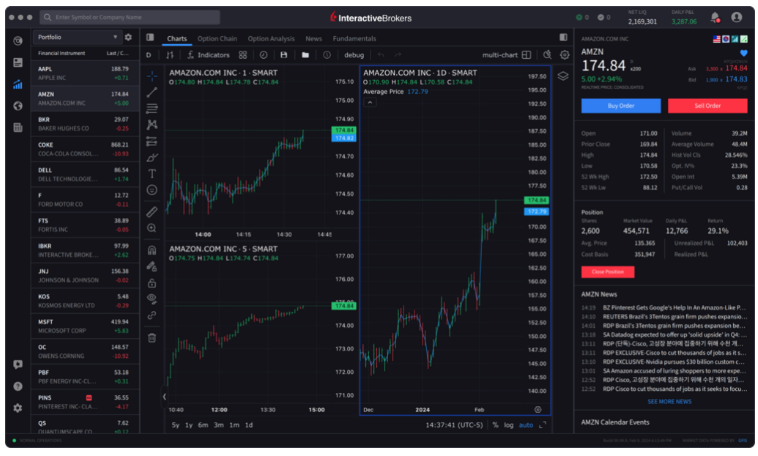
A low-cost platform offering institutional-grade tools for active traders and investors.
- Key Features: Two powerful native Mac apps (IBKR Desktop and Trader Workstation), highly customizable layouts, access to a massive range of global assets, and runs natively on Apple Silicon.
- Pricing: Commission-based pricing varies by asset class.
4. eToro: Best for Beginners
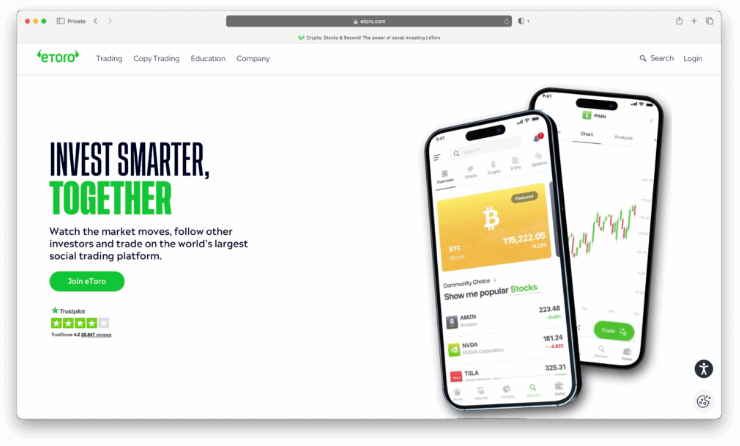
Combines an easy-to-use interface with popular social trading features, making it ideal for those starting out.
- Key Features: Commission-free stock and ETF trading, innovative copy trading to mimic successful investors, and a clean web-based platform.
- Pricing: Free to open an account; revenue comes from spreads.
5. TC2000: Best All-in-One Brokerage
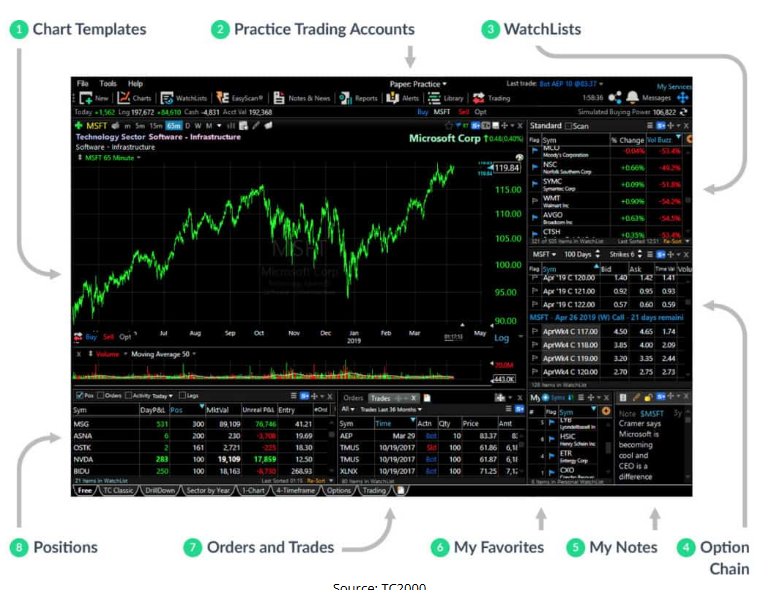
A trusted platform that combines powerful trading software with its own brokerage service, now accessible on Mac via the web.
- Key Features: Full-featured web version for Mac, integrated brokerage with competitive margin rates, and a comprehensive suite of charting and scanning tools.
- Pricing: Software starts at $20.82/month (paid annually).
6. TrendSpider: Best for AI-Powered Trading
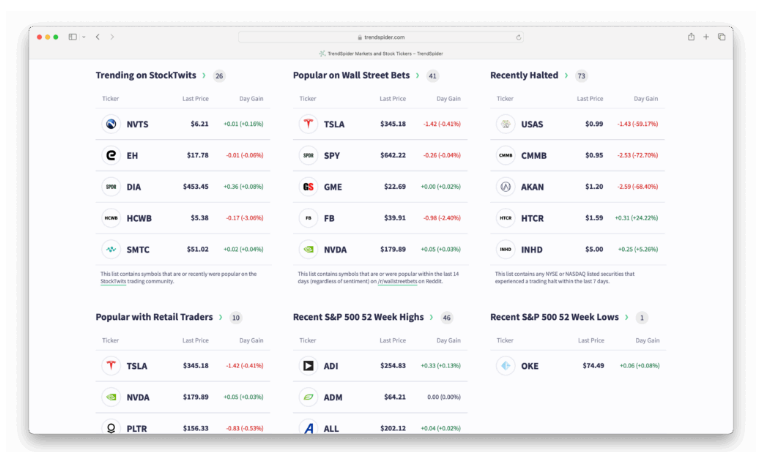
A fully web-based platform that uses automation and artificial intelligence to streamline technical analysis.
- Key Features: No installation required, AI-driven pattern recognition and backtesting, and integrates with several brokers for execution.
- Pricing: Starts at $39/month.
7. thinkorswim by Charles Schwab: Best Desktop Experience
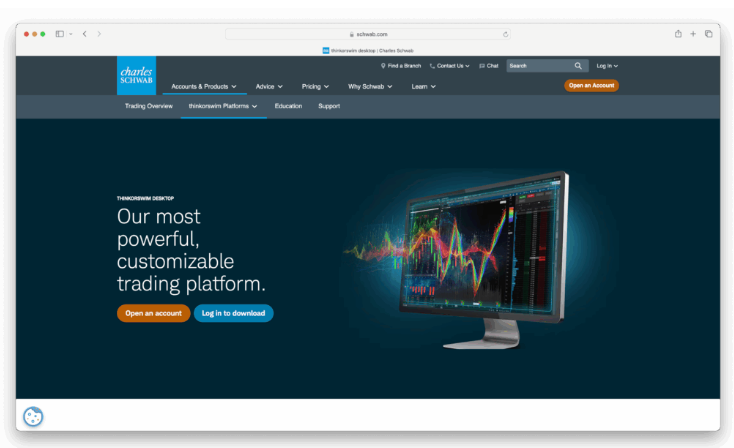
A deeply powerful yet surprisingly accessible desktop platform that remains a favorite among active traders.
- Key Features: A fully-featured native Mac app, extensive educational resources, paper trading, and access to deep market data.
- Pricing: Commission-free stock and ETF trading; $0.65 per options contract.
8. IG: Best for UK Traders
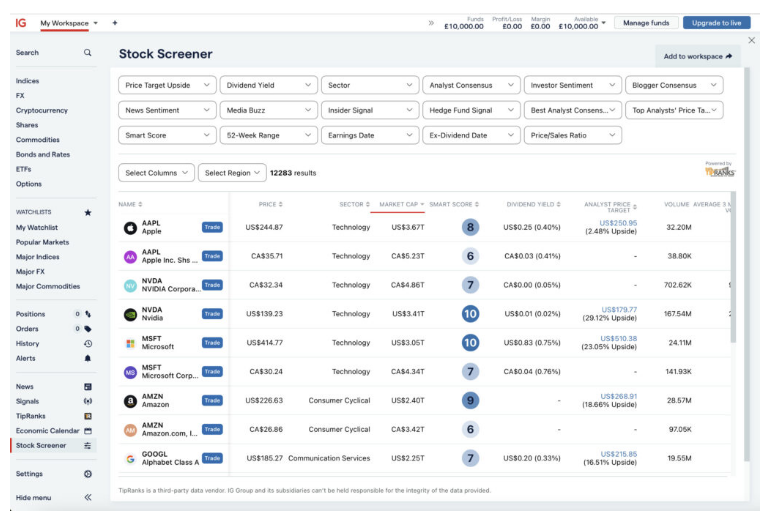
A well-established, regulated global platform offering access to an enormous number of markets.
- Key Features: Huge range of tradeable markets, strong educational content, and robust risk management tools like guaranteed stop-loss orders.
- Pricing: Spreads from 0.6 pips on forex; commission-free trading on US shares.
9. Robinhood: Best Commission-Free Platform
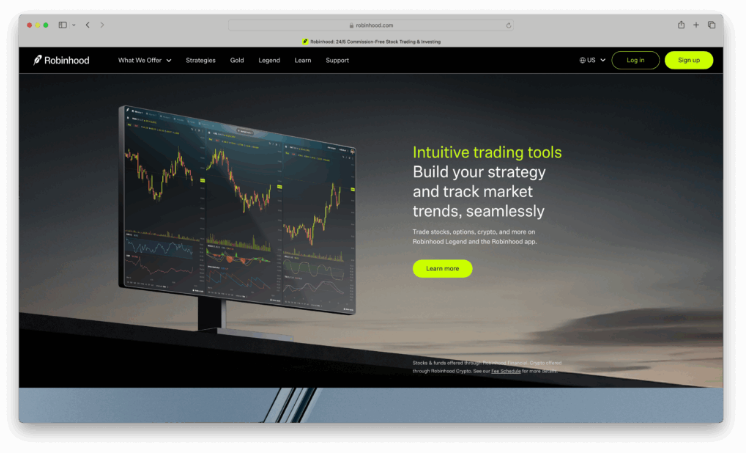
Known for its simple, intuitive design that democratized commission-free trading for a new generation.
- Key Features: Straightforward commission-free trading for stocks, ETFs, and crypto, and a clean interface that works well on Mac.
- Pricing: Commission-free; optional Gold membership is $5/month.
10. Fidelity: Best for Long-Term Investors
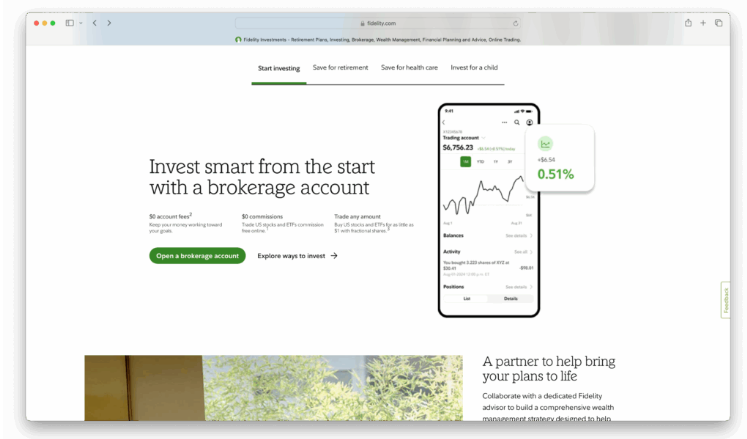
A reliable, full-service brokerage perfect for investors focused on research, retirement, and building long-term wealth.
- Key Features: Easy-to-use web platform, top-tier research tools, commission-free trading, and excellent customer support.
- Pricing: Commission-free for online US stock and ETF trades.
Key Considerations for Mac Traders
Trading Software vs. Trading Platforms
The line is blurring, but the core difference lies in their focus:
- Trading Software is analysis-first. Think advanced charting, indicators, and backtesting (e.g., TradingView, TrendSpider). They may connect to a broker for execution.
- Trading Platforms are execution-first. Offered by brokers (e.g., Schwab, Interactive Brokers), their primary goal is to place trades. They often include built-in charting, which may be less advanced than dedicated software. Mac users should look for a native app or a fully-featured web platform.
Understanding the Broker Fine Print
Before you sign up, keep these points in mind:
- Minimum Deposits: Many brokers require an initial deposit, typically from $0 to $250.
- How Brokers Make Money: They may charge commissions, make money from the spread, or use Payment for Order Flow (PFOF)—a common practice in the US.
- Demo Accounts: Always use a paper trading account to test the platform’s features and performance on your Mac before funding it.
- Regional Restrictions: Be aware that US residents cannot trade CFDs, and some international brokers may not be available in the US.
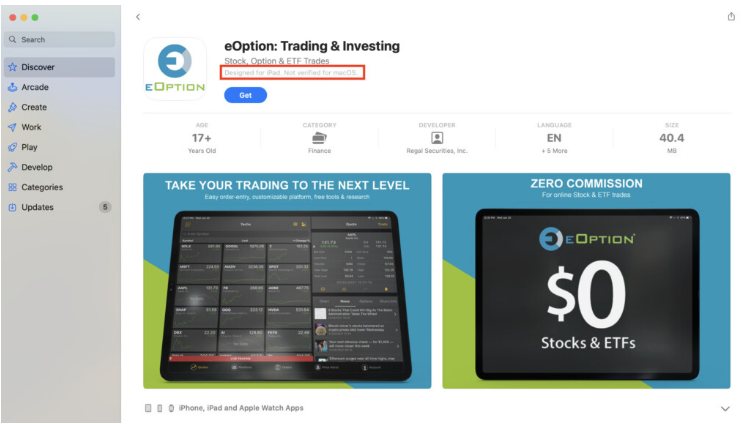
A Note on iPad Apps for Mac
While some iPad trading apps are available in the Mac App Store, they are often labeled “not verified for macOS.” These are designed for touchscreens and are generally not optimized for the Mac’s keyboard and mouse interface, leading to a subpar experience. We recommend using a dedicated desktop or web platform instead.
About the Author