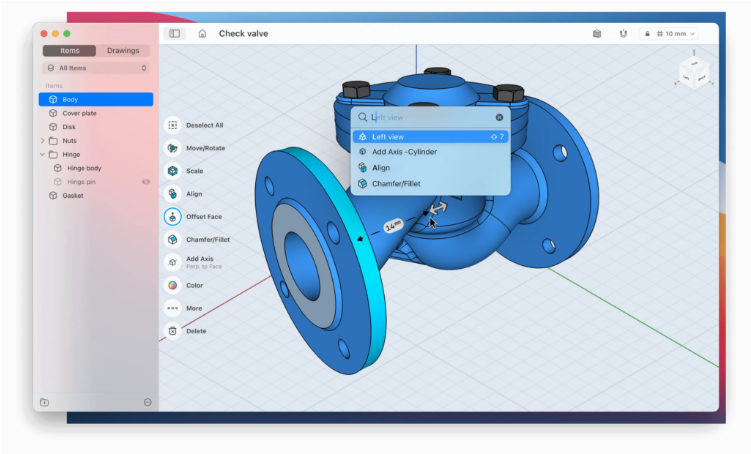
While truly free CAD software for Mac is relatively rare, many leading applications provide free versions for students, educators, or personal use. There are also several open-source CAD programs fully compatible with macOS.
Students of computer-aided design will be pleased to know that many professional-grade CAD tools—including industry standards like AutoCAD and Fusion 360—offer free educational licenses. But you don’t have to be a student to get started. Whether you’re a beginner experimenting with 3D modeling, redesigning your home, or working on architectural, mechanical, or product design projects, there are capable free and open-source options available.
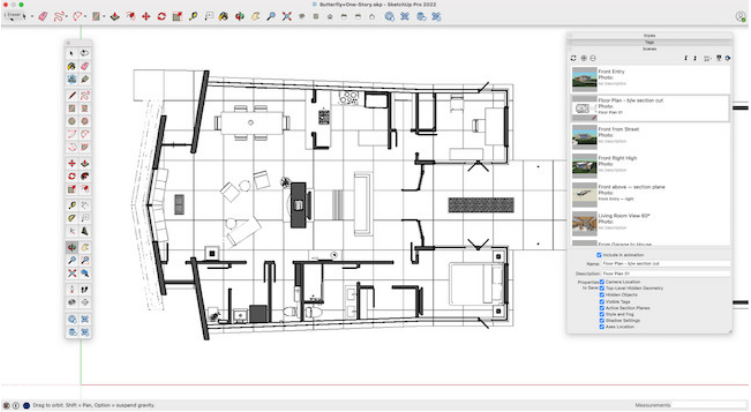
After extensive testing, we found that AutoCAD’s Education Edition offers the most comprehensive free experience on a Mac, providing full access to professional tools. That said, there are plenty of excellent alternatives—many of which support AutoCAD file formats.
A quick note: This roundup focuses on CAD software intended for technical, mechanical, and architectural design, rather than general 3D modeling tools used for visualization or animation. The following selections include both 2D and 3D CAD applications compatible with macOS.
1. AutoCAD (Education Edition)
AutoCAD is the global standard in CAD software. Through its Education Edition, students and educators can use the full version for free on Mac—either via desktop or web app. AutoCAD supports 2D drafting and 3D modeling, while AutoCAD LT is tailored for 2D-specific workflows.Recent updates have made AutoCAD more intuitive without sacrificing power. The 2024 release for Mac includes a faster 3D graphics engine, Trace functionality, block counting, and smoother web integration. It remains the top choice for professionals—and the free educational license is an incredible deal.
Pricing: Free Education Edition / AutoCAD LT $60/mo • Full Version $245/mo
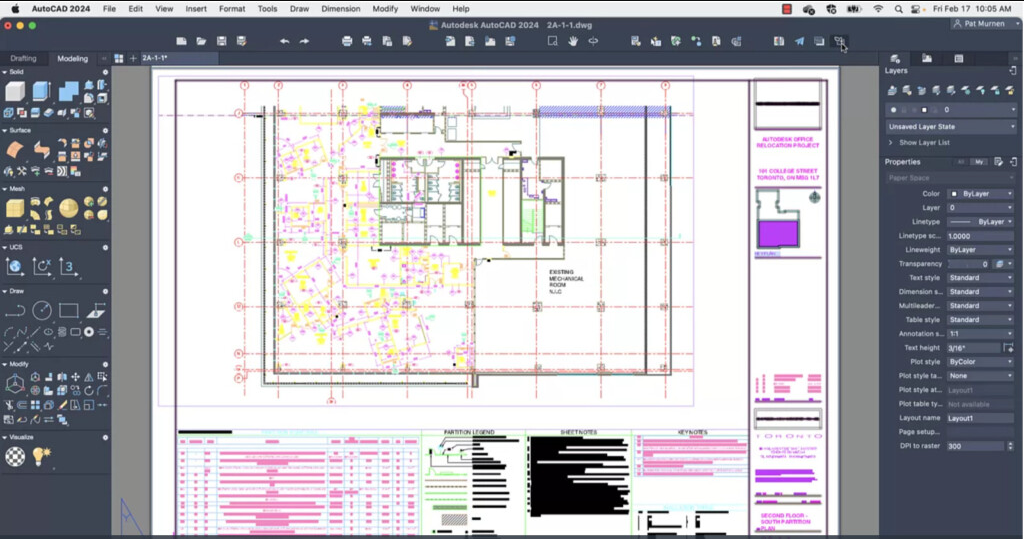
2. SketchUp Free
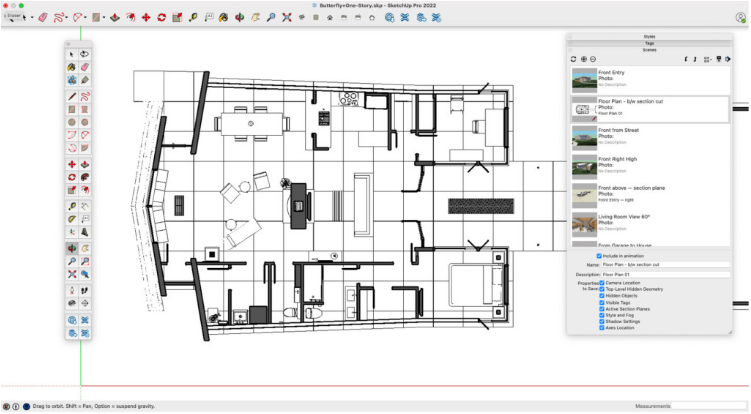
Originally developed by Google, SketchUp Free is a robust browser-based CAD tool suitable for both 2D and 3D design. It’s a popular free alternative to commercial software like AutoCAD.While SketchUp Pro ($349/year) offers advanced capabilities, the free version is plenty powerful for personal projects and includes 10GB of cloud storage. It’s ideal for hobbyists, though professionals may need to upgrade.
Pricing: Free for personal use • SketchUp Go $119/yr • SketchUp Pro $349/yr
3. OnShape
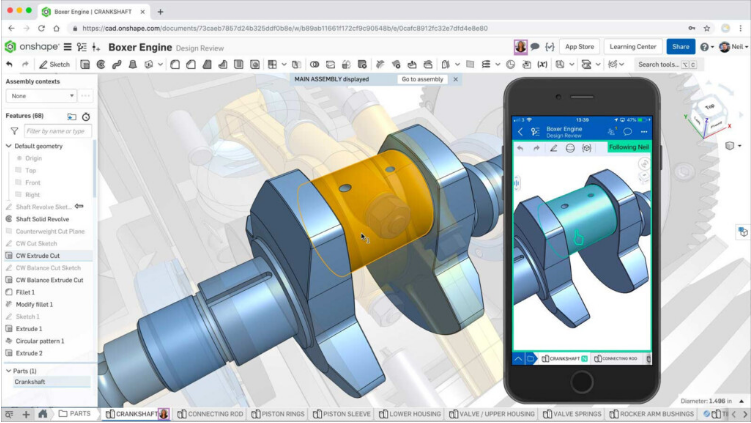
Created by the team behind SolidWorks, OnShape is a cloud-native CAD platform that’s completely free for personal use. It works directly in your browser—no installation required—and supports real-time collaboration.You can create complex parts, assemblies, and detailed drawings, all within a web tab. Note that free accounts have public projects. An iPad/iPhone app is also available. Commercial plans start at $1,500/year.
Pricing: Free for personal use • Paid plans from $1,500/yr
4. Fusion 360
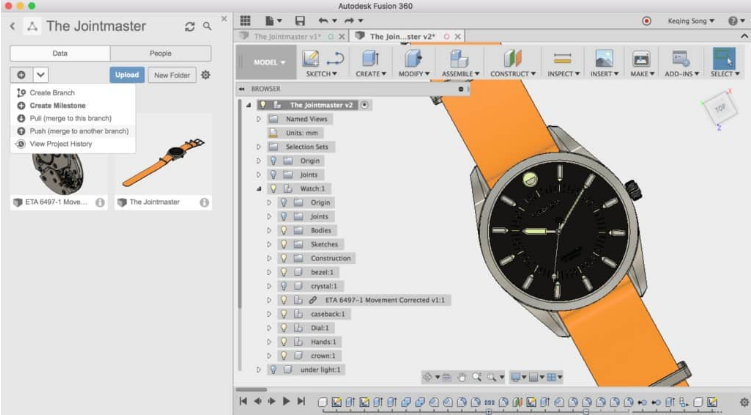
Autodesk’s Fusion 360 is a professional-grade 3D CAD/CAM tool free for personal and non-commercial use. While it excels in prototyping and manufacturing workflows, it also integrates well with traditional CAD design.A native Apple Silicon version is in development, but the web app already runs smoothly on Mac.
Pricing: Free for personal use • Commercial license $85/mo
5. Shapr3D
Shapr3D is a user-friendly 3D CAD app with a free tier that allows up to two active designs. It’s great for beginners and works seamlessly across Mac, iPad, and Windows, supporting Apple Pencil and drawing tablets.While it can be used for detailed design, many users prefer it for conceptual work before moving to tools like Fusion 360.
Pricing: Free for students or 2 designs • Paid plans from $25/mo
6. BRL-CAD
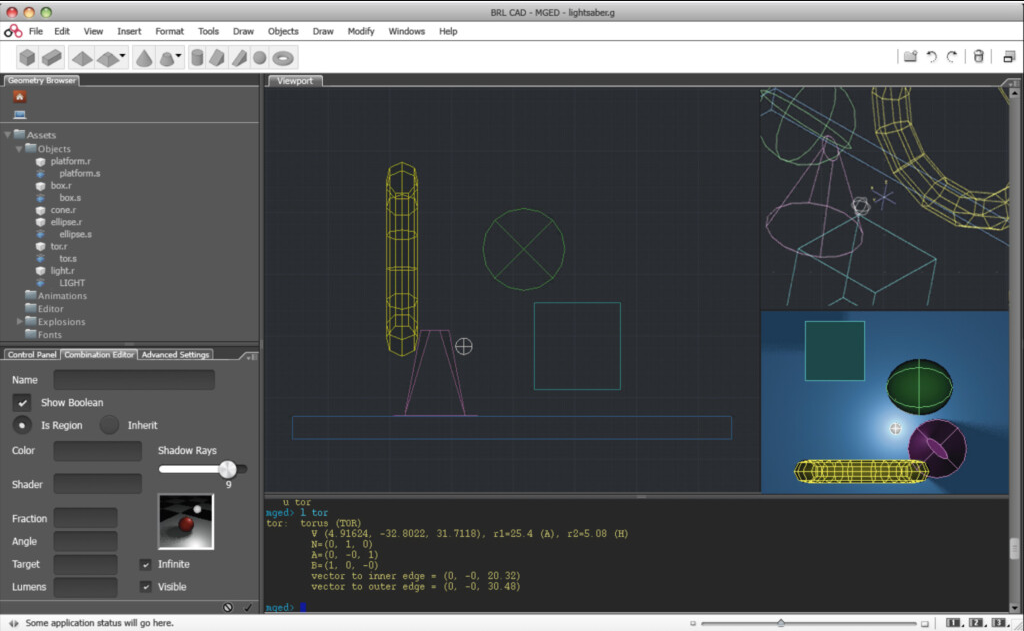
This open-source veteran has been around since 1979 and is used for high-precision modeling (even by the U.S. military). It offers ray-tracing, geometric analysis, and a library for developers.It’s not the most beginner-friendly, but it’s incredibly powerful—and completely free.
Pricing: Free
7. nanoCAD
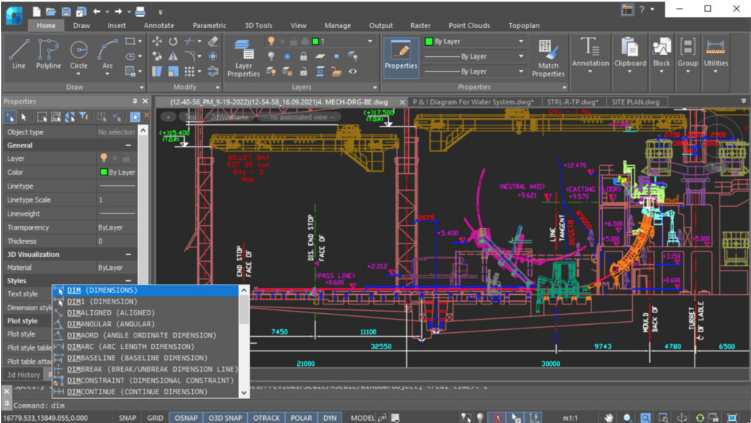
A solid free 2D/3D CAD software that supports DWG files. The interface is user-friendly, with command line tools and block references. The free version lacks support for the latest DWG formats and 3D solids, but it’s still very capable.
Pricing: Free • nanoCAD 24 from $249
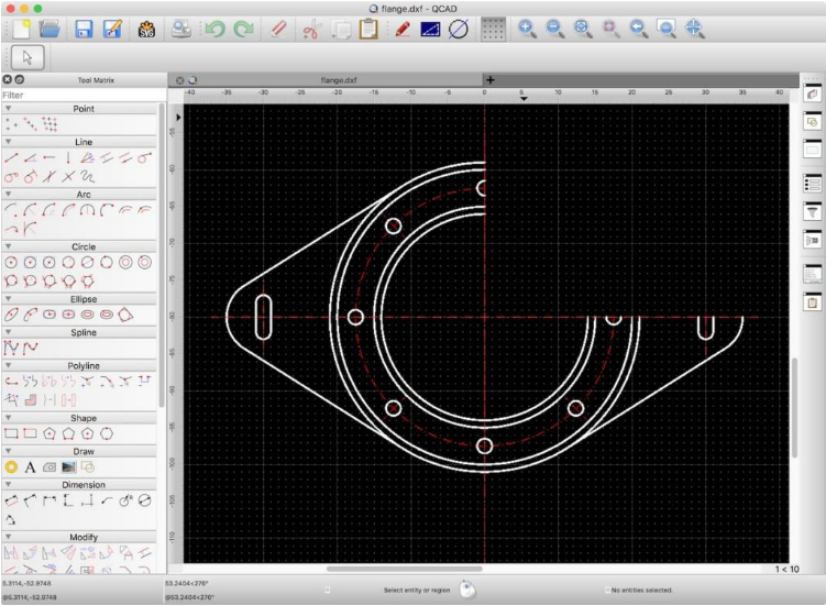
8. QCAD
An open-source 2D CAD program for Mac, Windows, and Linux. It’s ideal for technical drawings: architecture, schematics, mechanical parts, and more. It supports DWG/DXF and offers a simple interface perfect for beginners. A Pro version is available for under $40.
Pricing: Free
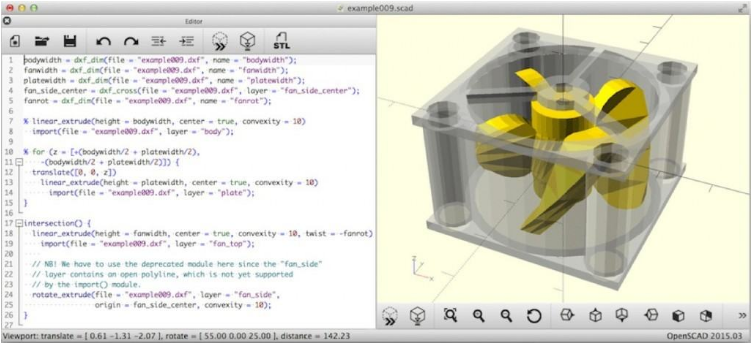
9. OpenSCAD
OpenSCAD is a script-based 3D modeler aimed at engineers and programmers rather than artists. You design objects using code—making it ideal for parametric and machine-part design.
Pricing: Free
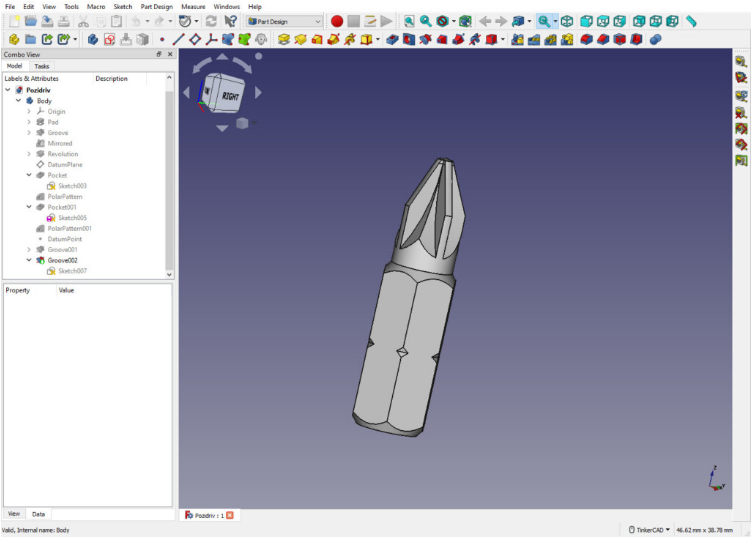
10. FreeCAD
As the name implies, FreeCAD is a free open-source parametric 3D modeler. It supports various file formats and is especially useful for mechanical engineering and product design. Like OpenSCAD, it leverages scripting and modules.
Pricing: Free
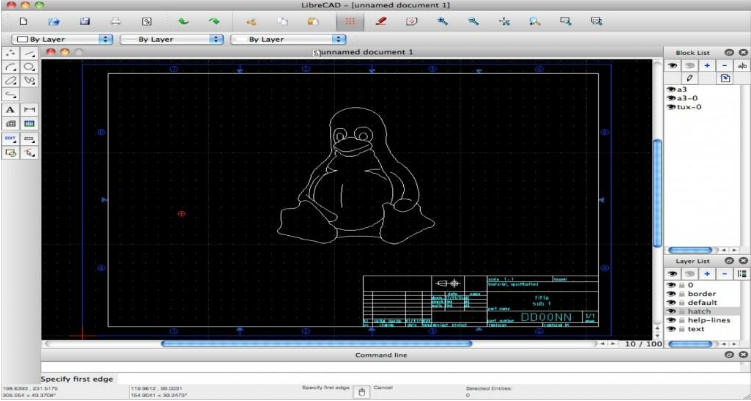
11. LibreCAD
A straightforward 2D CAD tool based on QCAD’s community edition. It’s lightweight, easy to use, and supports DWG/DXF files. Perfect for beginners and those who don’t need 3D features.
Pricing: Free
12. LeoCAD
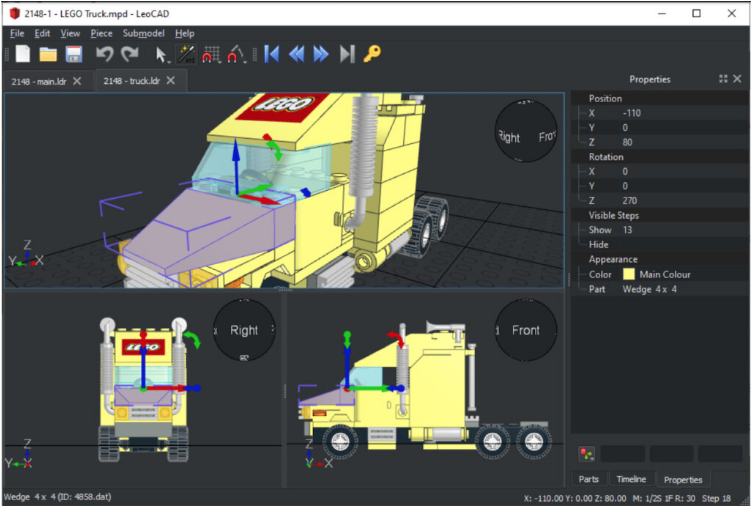
A fun Lego-based CAD program great for beginners and educational use. You can build complex models using virtual Lego bricks and share them in LDR/MPD format. It’s compatible with the LDraw parts library.
Pricing: Free
13. DesignSpark Explorer
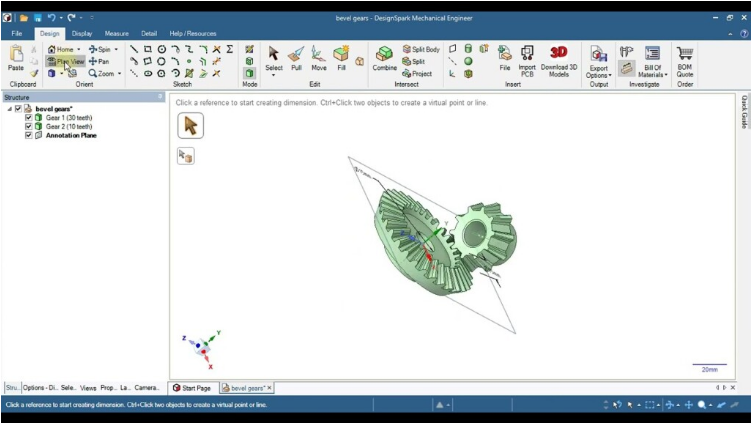
This free gesture-based CAD software is aimed at students and beginners. It supports unlimited projects and offers tools for shaping geometry, importing AutoCAD/SolidWorks files, and generating Bills of Materials.
Pricing: Free
14. TinkerCAD
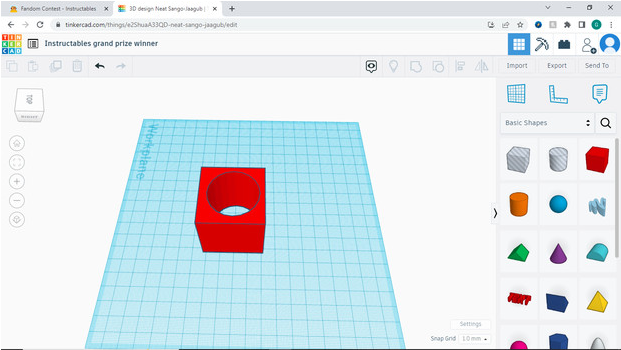
An Autodesk product designed for beginners, teachers, and kids. It introduces 3D design, electronics, and coding through a simple, block-based interface. It works on the web and supports Apple Pencil on iPad.
Pricing: Free
Whether you’re learning CAD, working on personal projects, or exploring professional tools, these free applications offer powerful options for Mac users in 2025.
About the Author